PerfectScan® – Beyond Digital Image Processing and Enhancement
 Data Capture Engines, LLC
Conventional image extraction and digitization tools are reaching the limit of their capabilities. The market is demanding a next-generation technology to convert grayscale and color document images into clean, crisp black-and-white (bi-tonal) images with zero loss of foreground intelligence.
In the early days of document scanning, simple global thresholding techniques were used to convert grayscale images into binary black-and-white images. Because global thresholding applies a single fixed intensity cutoff across the entire page, it fails whenever a document exhibits uneven illumination, shaded backgrounds, carbonless paper tinting, or low-contrast ink.
Second-generation adaptive thresholding (dynamic thresholding) improved upon global cutoffs by computing local thresholds within sliding windows. While adaptive thresholding remains the basis for almost all commercial document capture products on the market today, it suffers from fundamental limitations when confronted with complex real-world documents:
- Coherent Background Patterns: Security tint patterns on checks, halftones, shipping labels, and textured paper have local contrast variations that trick local window thresholds into converting background texture into dense black speckle noise.
- Weak & Degraded Foreground Strokes: Faint pencil writing, worn dot-matrix ribbons, faded thermal receipts, and stamped dates are frequently washed out when local thresholds are raised to suppress background noise.
- Complex Manual Parameter Tuning: Traditional capture filters require operators to manually calibrate dozens of threshold sliders, morphological filters, and despeckle parameters for each document batch.
1. Understanding Document Noise: Coherent vs. Incoherent Sources
A key breakthrough behind PerfectScan® is the mathematical separation and modeling of both Incoherent Noise (random sensor and environmental fluctuations) and Coherent Noise (structured background patterns, bleed-through, and surface textures) prior to binarization.
Incoherent Noise Sources
Random, uncorrelated pixel-level and illumination variations.
- Lighting Variation: Uneven scanner lamp or mobile camera flash illumination
- Random Speckle Noise: Optical dust, sensor thermal noise, and quantization artifacts
- Contrast Fluctuation: Local ink density drop-offs and stroke fading
Coherent Noise Sources
Structured, spatially correlated patterns that mimic foreground strokes.
- Background Patterns: Check security pantographs, watermarks, and shaded form cells
- Halftones & Dithering: Screened magazine/form graphics and textured substrates
- Bleed-Through & Creases: Duplex ink bleed-through, folds, smudges, and stains
2. Cognitive Merging Architecture & Machine-Learning-Tuned Parameters
Instead of relying on a single local threshold calculation, PerfectScan® models how the human visual system perceives faint characters amidst heavy background clutter. It decomposes the input image into multiple spatial and contrast representations, extracts structural features across seven stages, and cognitively merges them into a unified bi-tonal output. Crucially, the internal cross-stage parameters and decision boundaries are systematically tuned using machine learning across diverse, degraded document datasets—eliminating manual parameter tweaking at runtime:
Separates multi-scale local contrast gradients from global illumination trends.
Models both incoherent random sensor noise and coherent background textures.
Normalizes local intensity maps so faint strokes and dark characters share uniform dynamic range.
Suppresses halftones, security weaves, and shaded form boxes without eroding strokes.
Identifies fine character edges, broken dot-matrix dots, and continuous handwriting strokes.
Fuses extracted stroke evidence using ML-tuned weights into a crisp, ultra-compact bi-tonal image.
3. Performance, Portability, and Integration Specifications
PerfectScan® is engineered from the ground up in pure ANSI C/C++ with zero external runtime dependencies, enabling drop-in deployment across high-speed production scanners, enterprise server clusters, and embedded mobile/ARM capture devices.
Execution & Footprint
- Throughput: ~0.1 seconds per US-letter page at 300 DPI on a single modern CPU core
- Memory Footprint: Less than 10 MB RAM per worker thread
- Concurrency: 100% thread-safe, re-entrant architecture with linear multi-core scaling
- Binary Size: Ultra-compact library (~200 KB compiled footprint)
Platforms & Color Pipelines
- Architectures: Production support for x86, x64, and ARM / ARM64 processors
- Operating Systems: Windows, Linux, Android, iOS, and embedded DSP/RTOS targets
- Input Formats: 8-bit Grayscale and 24-bit Color direct-to-bitonal conversion
- ML Parameter Tuning: Machine-learning-tuned parameters enable zero-config automatic adaptation across mixed document batches
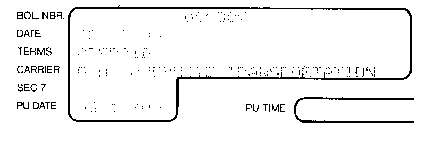
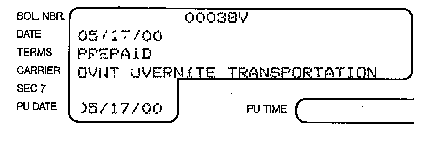
4. Visual Benchmark: Traditional Thresholding vs. PerfectScan®
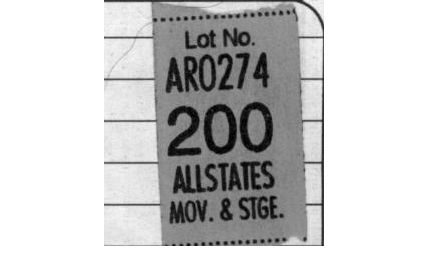
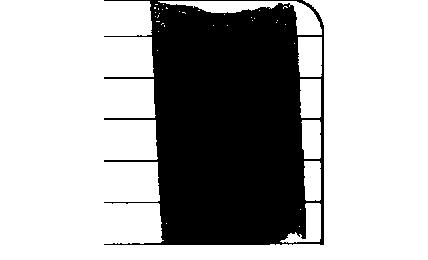
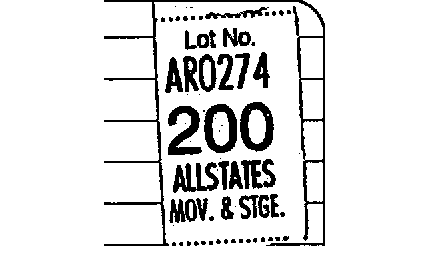
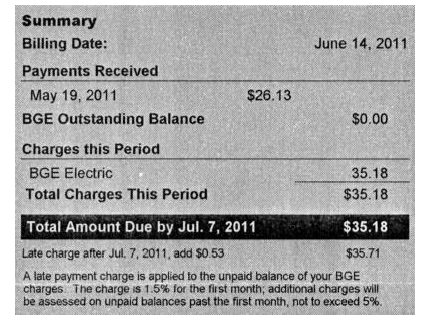
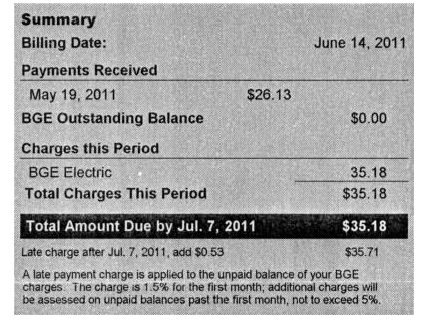
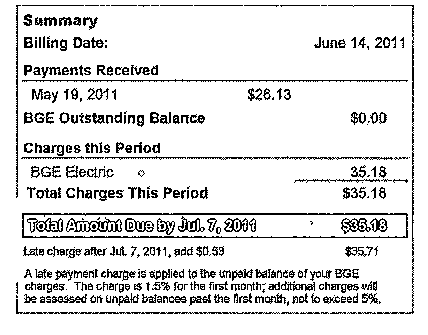
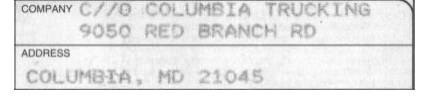
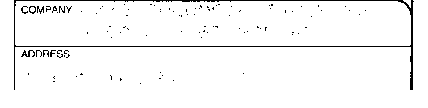
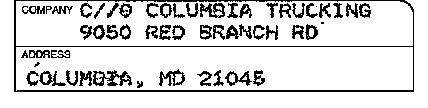
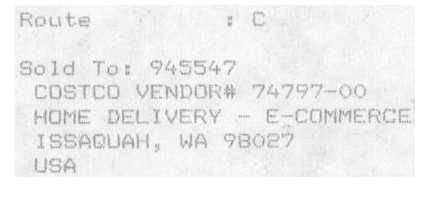
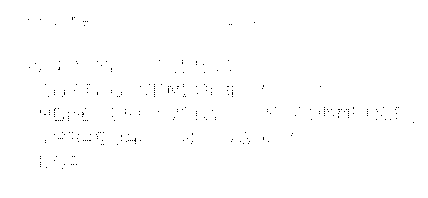
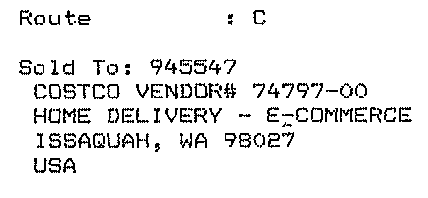
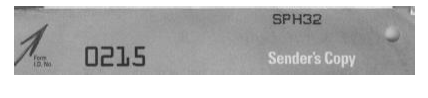
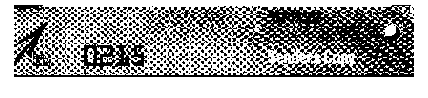
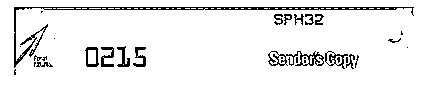
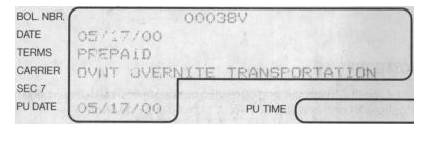
Side-by-side results across seven challenging real-world document images comparing the Original Grayscale/Color Input, Traditional Adaptive Thresholding, and PerfectScan®.